The order buzzer that upsells.
Bzz turns every takeout customer's phone into an order-ready pager. The counter crowd thins out, your team just packs food, and the wait screen does the upselling for you.
TAKEAWAY DECK
Ready orders flash on collectionPreparing
Ready for Collection
Golden Wok Kitchen
Live order statusEstimated Ready Time
18:32
6 minutes to go
Order-Ready Notifications in Three Steps
Live on your counter in minutes, print-ready QR code included. No integration with your register or KDS required.
Customer scans at the register
When they order, they scan a QR code on the counter or receipt. Their order number opens as a live tracker in their own browser — no app, no phone number collected.
They wait wherever they like
The tracker shows their order status and the pickup time you set, so they step outside, sit in the car, or run an errand next door instead of hovering at the counter asking if order 42 is done.
One tap buzzes their phone
Your team marks the order ready and the customer's phone vibrates and lights up with a notification. They walk up, take the bag, and the counter stays clear.
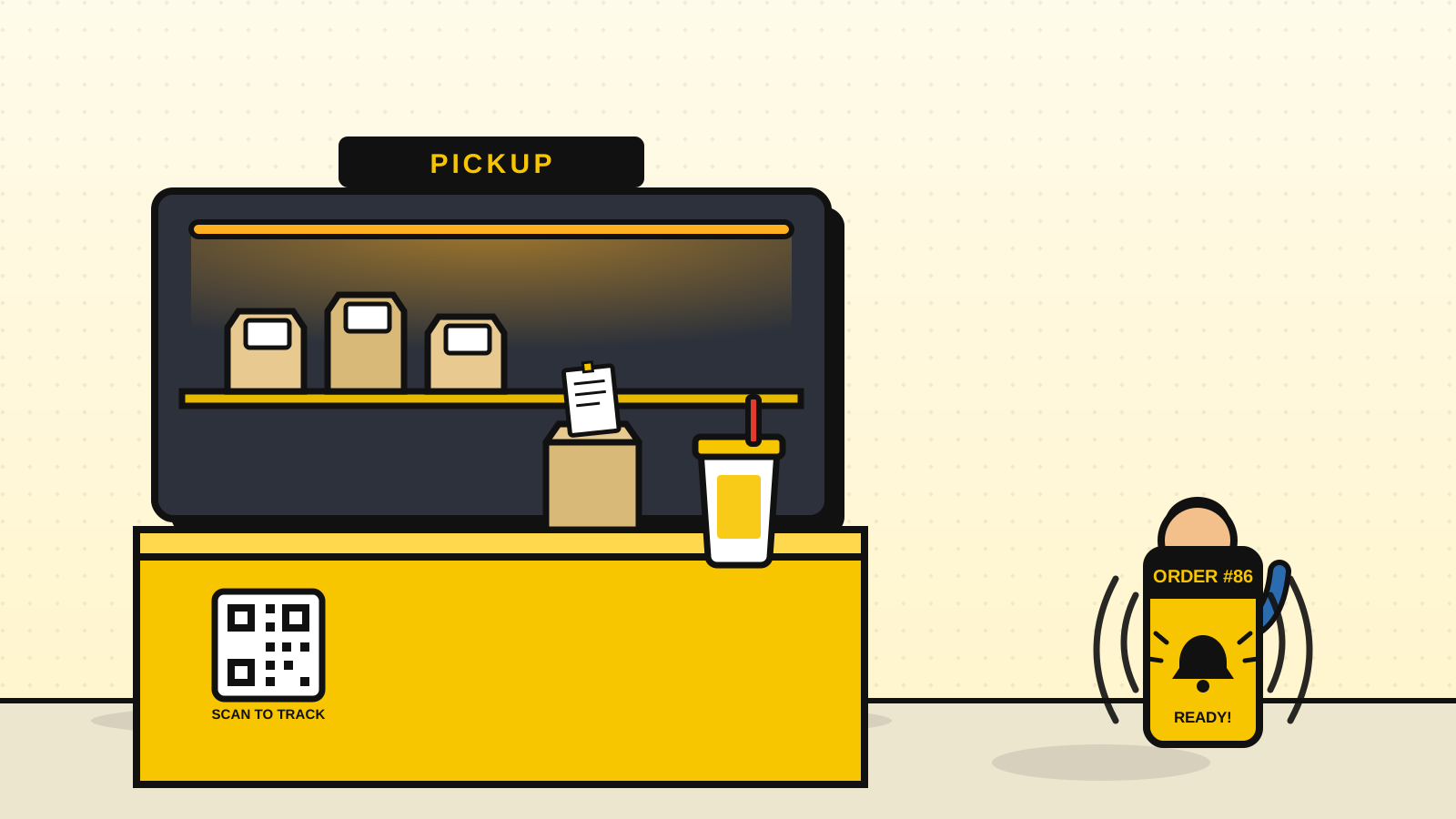
No app. Just scan or tap.
Either one opens the same live order tracker straight in their phone's browser — set up once, works for every order after.
Scan the QR Code
Print the QR code by the register — any phone camera opens the live order tracker instantly, no app required.
Tap the NFC Tag
Prefer a tap? Stick an NFC tag by the register — one touch opens the same tracker, no camera needed.
Both link to the exact same buzzer — customers just pick whichever's faster
What does Bzz do for takeout?
Two jobs. When an order's up, the customer's own phone buzzes wherever they've wandered, so the counter stops filling with people asking whether number 42 is done. And in the minutes before you bag it, their tracking screen is where you push the milkshake or the extra dip, right when a one-tap "add it" is easy to accept.
The Weekend-Rush Counter Crush
Clearing the Counter Without Slowing the Kitchen
The reason customers crowd the counter is simple: it's the only place they can find out whether their food is ready. Give them a definitive countdown on their phone and the reason to hover disappears. That's a direct application of the psychology of waiting. A transparent, moving estimate makes the same wait feel shorter and stops it registering as wasted time, so people relax and step back.
Operationally, that hands your team back the front of house. Instead of one person effectively assigned to answering "is it ready?", everyone stays on the line packing bags, and the buzz goes out automatically the instant an order's marked done. Throughput goes up on exactly the shifts where you need it most, and the ambiance for anyone eating in stops being collateral damage of the takeout rush.
A cleared counter also becomes a selling surface. While the customer watches their status, their screen is the perfect place to offer a bottled drink, a specialty dip, or a dessert, right in the pre-packing window when a one-tap "add it" is easy to say yes to. It's the single lowest-effort way to increase average ticket size without adding a step to your kitchen.
Shouting & Coaster Pagers vs. Bzz
Every takeout counter already runs order-ready alerts — by yelling. Here's what changes when the alert moves to the customer's phone.
| Feature | Shouting / Hardware Pagers | Bzz |
|---|---|---|
| Getting the customer's attention | Shouting numbers over a crowded lobby | Their phone vibrates the second you tap ready |
| Where customers wait | Pressed against the pickup counter | Anywhere — outside, in the car, next door |
| Hardware to buy & charge | $800+ in coaster pagers, $30–$60 per lost unit | $0 — the customer's phone is the pager |
| SMS costs | Per-message fees on text alerts | None — real-time browser alerts |
| Upsell while they wait | Not possible | Drinks, desserts & dips on the tracker |
| Staff answering “is it ready yet?” | Constantly, on every rush | Never — the tracker answers for you |
*Hardware costs are industry estimates. Paid plans from $11.99/mo.
Small Add-Ons, Big Weekly Totals
At quick-service volumes, a drink or a dessert attached to even one order in ten adds up fast across a week. A cleared counter plus a tracking screen turns that from a missed chance into a default part of the flow.
- Promoting high-margin bottled drinks and impulse snacks on the mobile tracker while the order's being packed.
- Prompting first-time customers to join your loyalty or points program while their phone is already open.
- Calming the counter for smoother flow and higher throughput on your busiest shifts.
Everything a Busy Counter Needs, Free to Start
The buzzer is the start; the rest of the pickup flow is already in there. Switch things on as you need them:
- QR & NFC order check-in at the register
- Live order-status tracker with your pickup ETA
- Vibration + browser-notification alerts
- In-wait upsell cards for add-ons & combos
- Your business name & wording on every screen
- Up to 5 live orders on the Free plan